![xx-xperix-logo-square-w1200-shadows.jpg]](https://kb.xperix.com/hs-fs/hubfs/xx-xperix-logo-square-w1200-shadows.jpg?height=50&name=xx-xperix-logo-square-w1200-shadows.jpg)
Steps for Sequence check using the sample Application
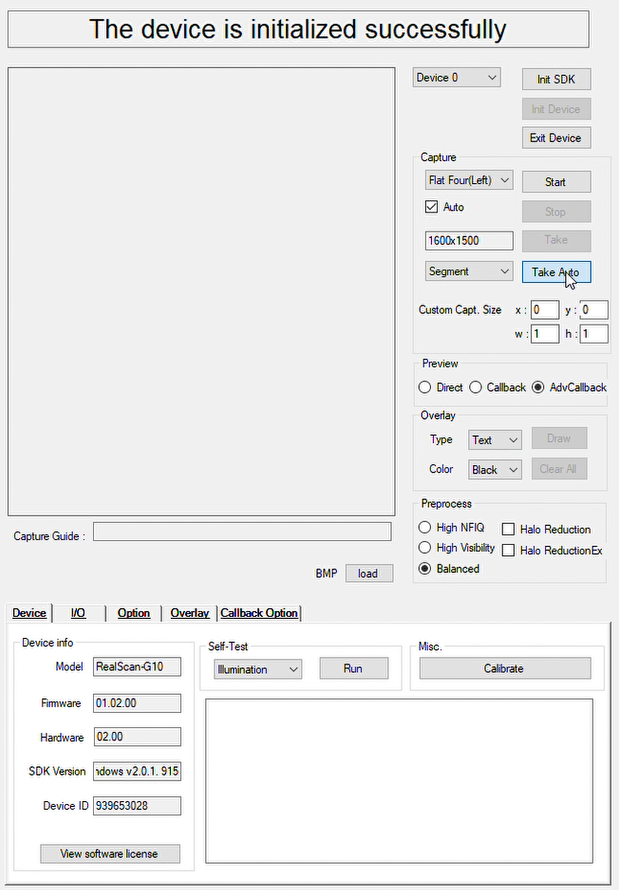
1. Capture Left or Right Hand Four Fingers using Sample Application as shown in figure
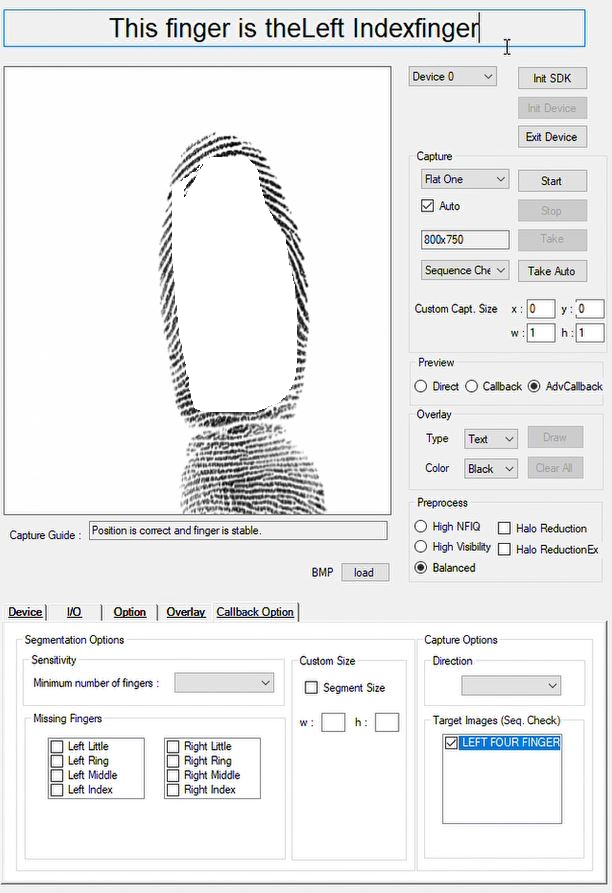
2. After capture the fingerprint image, select single finger to capture and mode selected to Sequence check and setting a show in figure
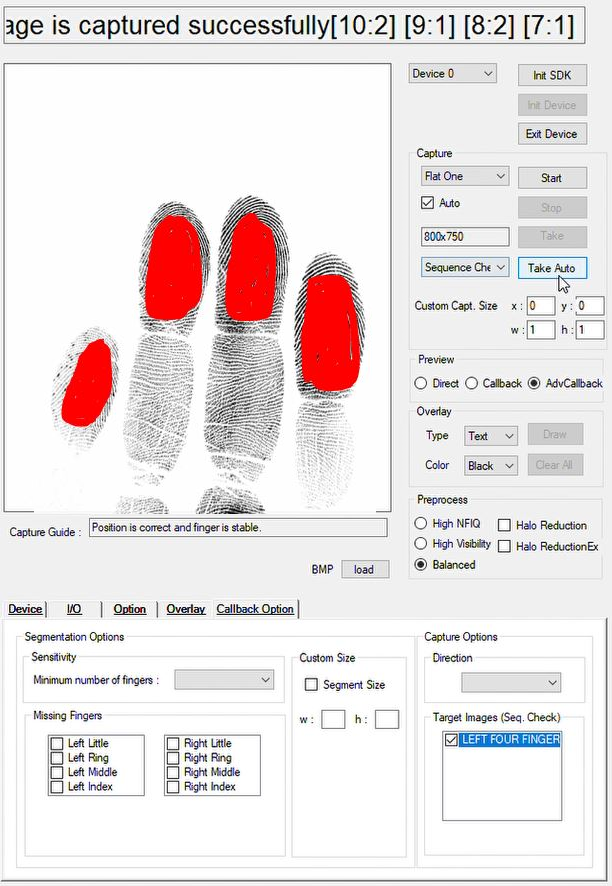
3. The Sequence check will show and match with the captured figure , that which finger placed on scanner, as show in figure