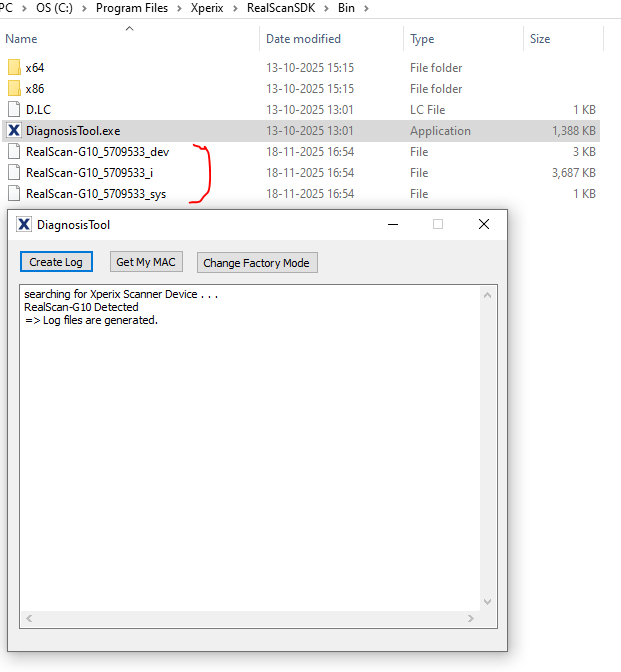
if a Dirty Warning message comes while capturing the fingerprint from the Scanner
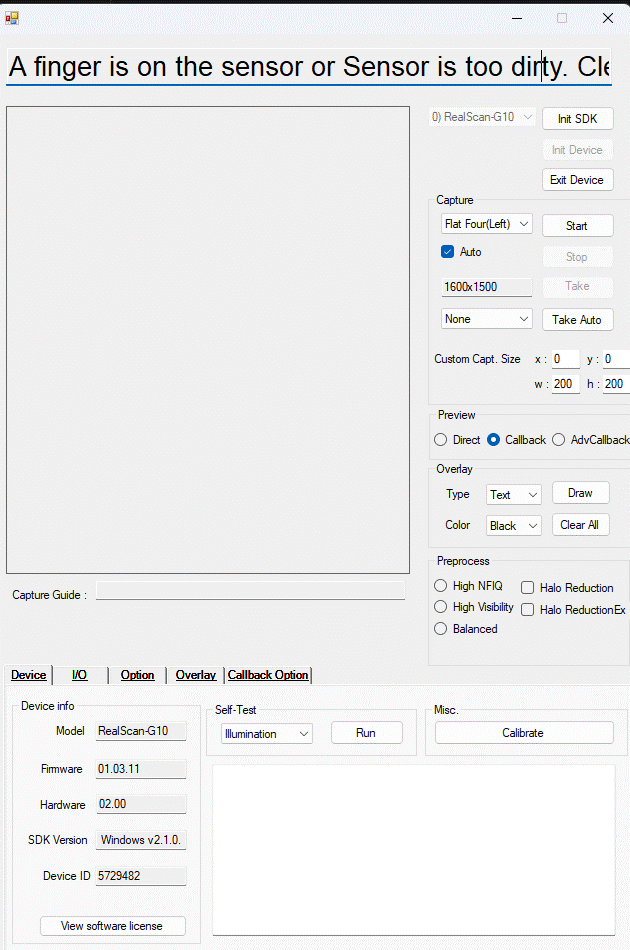
Please follow these steps
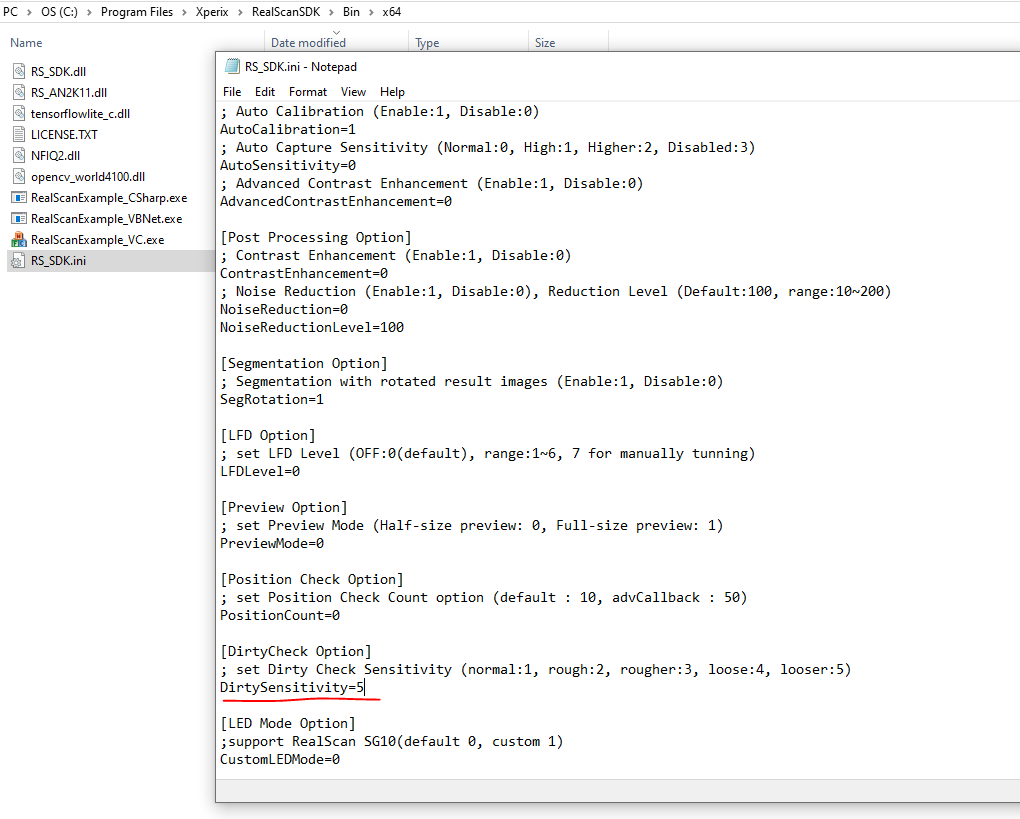
1. Change the dirty setting from the RS_SDK.ini file and save the file.
2. Clean he scanner area and run the SDK Sample Application
3. if the issue raises again, Run the Diagnosis Tool with Admin rights.
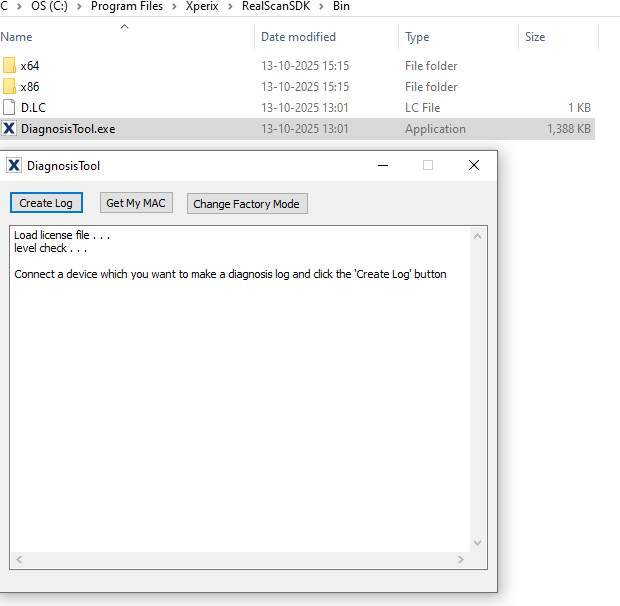
4. Send these logs files to technical support on support ticket